
Installing the script
Verify the script is working
What this does
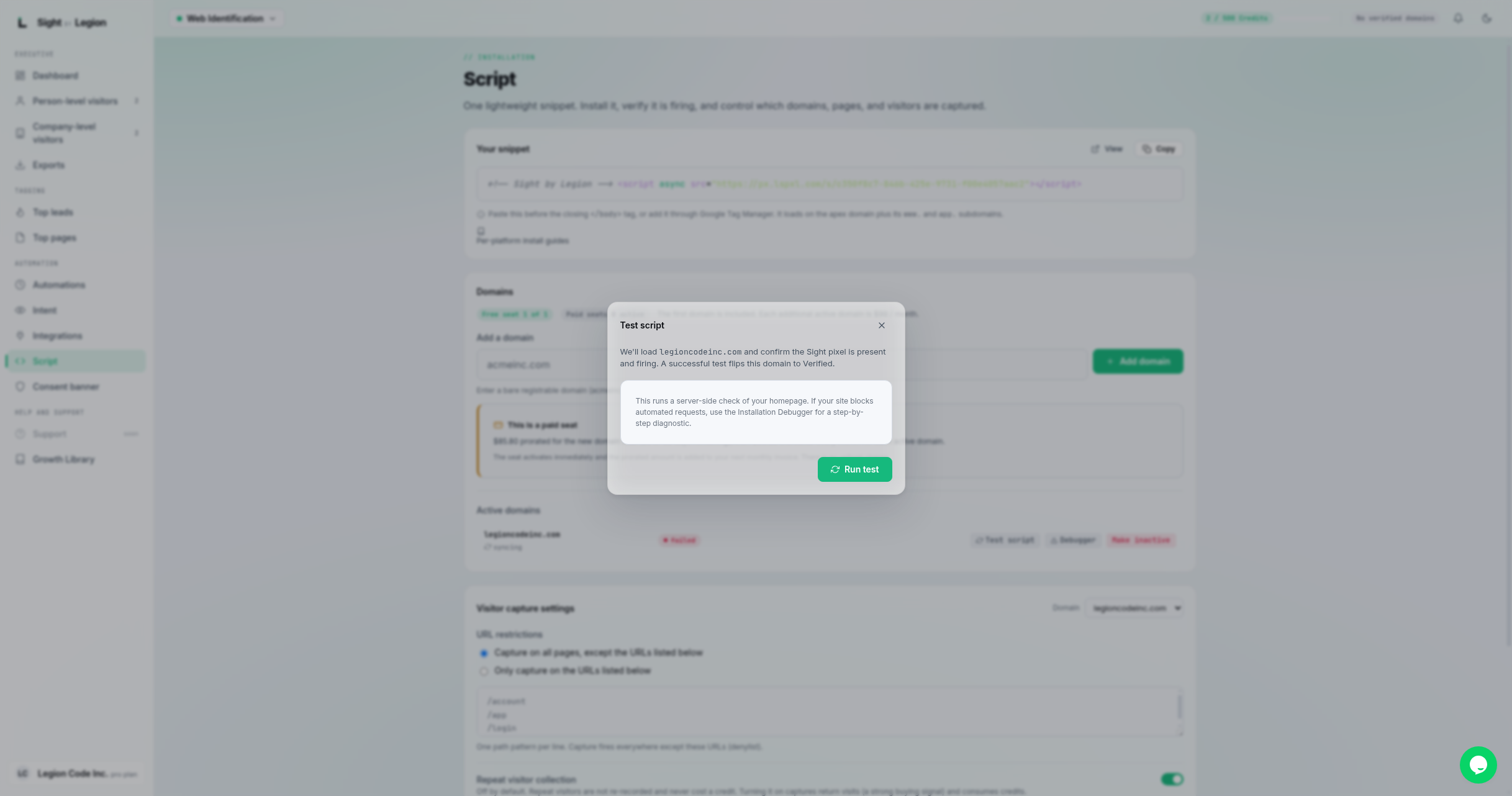
Checks that your installed snippet is actually firing on your site, and helps you fix it if it is not. Each domain row shows a verification status you can re-check on demand.
Steps
- Open Observe -> Script.
- Find your domain in the Active domains list.
- Click Test script on that domain row. OSPRY runs a live check against the page.
- Read the result:
- Verified: the snippet is firing correctly. You are done.
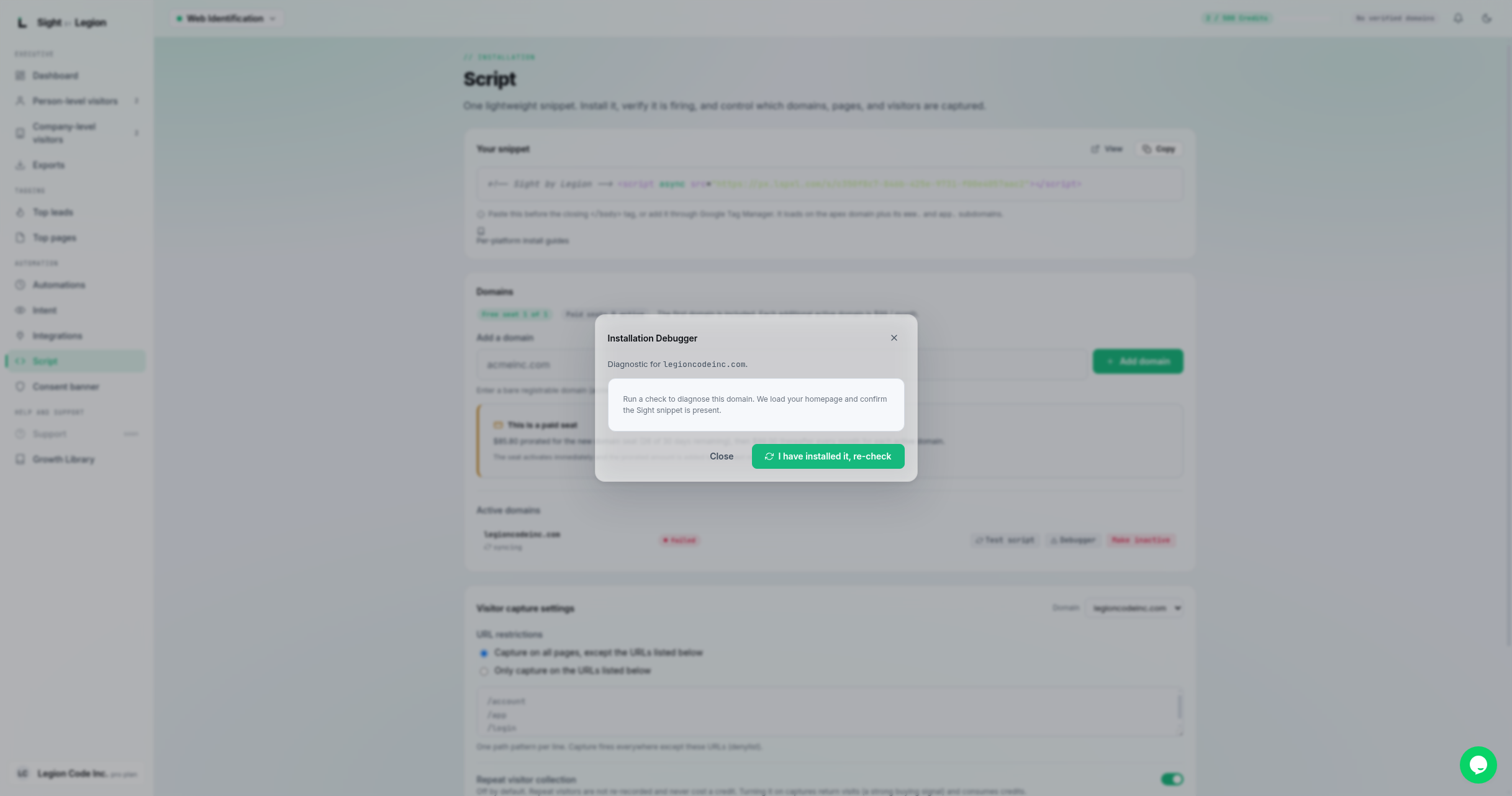
- Failed: open the Installation Debugger to see which checks did not pass, fix the snippet on your site, and re-test.
- Re-test after any change until the row shows verified.
Tips & FAQs
- Publish first. Verification checks your live site, so deploy or publish the page with the snippet before testing.
- Give it a moment. If you just added the snippet, wait for your site's cache or CDN to refresh, then re-test.
- Failed last time? When you open the debugger for a domain whose last check failed, it tells you the last verification failed and to re-check after confirming the snippet is installed.
- Capture paused. Verifying a domain does not resume capture. If capture is paused, resume it from the top bar to start collecting visitors again.
- Still failing? Confirm the snippet is on the right domain (apex,
www., orapp.), not blocked by a tag manager, and not stripped by a security or privacy tool. If you are stuck, contact support.