
Automation
Integrations overview
What this does
Integrations connect your go-to-market stack so OSPRY can send identified profiles where the work happens: a Slack ping, a CRM contact, an email sequence, or any HTTPS endpoint (webhook).
The directory
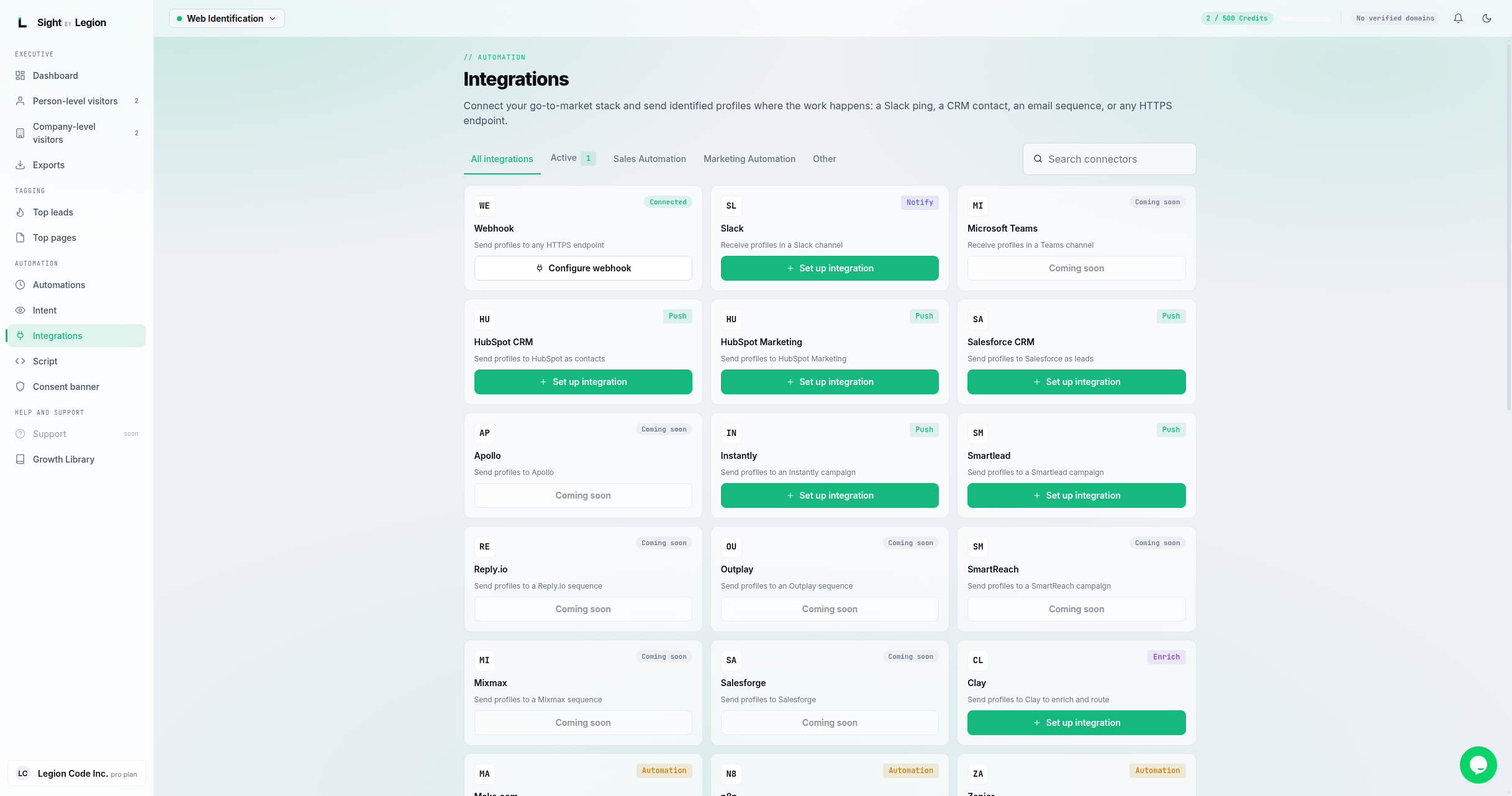
The Integrations page is a searchable directory with tabs:
- All integrations
- Active (shows a count of what you have connected)
- Sales Automation
- Marketing Automation
- ABM Advertising (appears only when ABM is enabled for your account)
- Other
Use the search box to filter connectors by name. Each connector is a card; open one to connect or manage it.
Steps
- Open Reach -> Outbound Integrations.
- Use the tabs or search to find the tool you want.
- Click a connector card to open its page, then connect it (see Connecting an integration).
When webhooks are sent
A webhook (or connector) delivery fires for three things:
- A visitor is identified. As soon as OSPRY resolves a new visitor, you get a delivery with what was resolved at that moment.
- A visitor's profile is enriched. When deeper enrichment finishes for that same visitor (phone numbers and personal email, when available and not on a do-not-call list), you get a second delivery with the fuller profile. This only happens for visitors who triggered a delivery in step 1.
- An automation rule fires. When one of your velocity rules crosses its threshold, you get a delivery to that rule's destinations, carrying the visitor's saved profile.
A repeat visit from someone already identified is still recorded in your dashboard for analytics, but it does not trigger another delivery. Each delivery carries an X-Sight-Event header naming which of the above triggered it, so your receiving system can tell a first identification apart from an enrichment update or an automation trigger.
Tips & FAQs
- Owners and admins only for changes. Members have read-only access; the page tells them to ask an owner or admin to connect or change a destination.
- Free vs Pro connectors. Some connectors are free; others are Pro. A Pro connector you cannot use yet shows an upgrade prompt.
- No native connector? Use the Webhook connector or a bridge like Zapier, Make, or n8n to deliver profiles to almost anything.
- ABM Advertising tab. If your plan includes ABM, an ABM Advertising tab appears. Otherwise you may see an upgrade banner pointing to Pro+. See ABM advertising.