
Automation
Intent signals
What this does
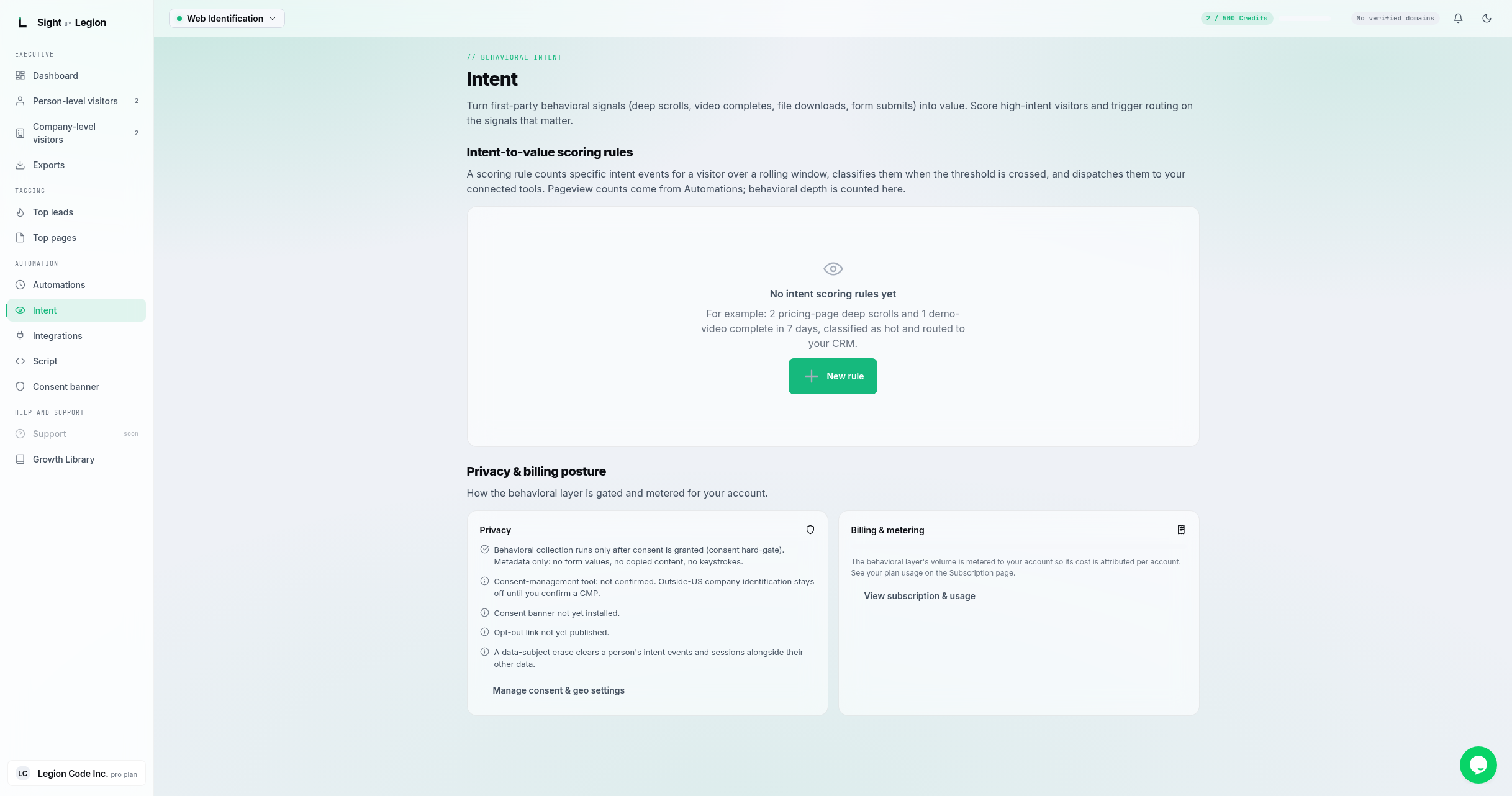
Intent turns first-party behavioral signals (deep scrolls, video completes, file downloads, form submits) into value. You build scoring rules that count specific intent events for a visitor over a rolling window, classify them when a threshold is crossed, and dispatch them to your connected tools.
Steps
- Open Observe -> Intent.
- Click New rule.
- In the rule dialog, define the intent scoring rule:
- A threshold and a window (for example, 2 pricing-page deep scrolls and 1 demo-video complete in 7 days).
- A scope and optional path pattern with a match type.
- The intent types to count (scrolls, video completes, downloads, form submits).
- A classification (for example, "hot") to apply when the threshold is crossed.
- Destinations: the connected integrations to route the visitor to.
- Save the rule. When a visitor crosses the threshold, they are classified and routed.
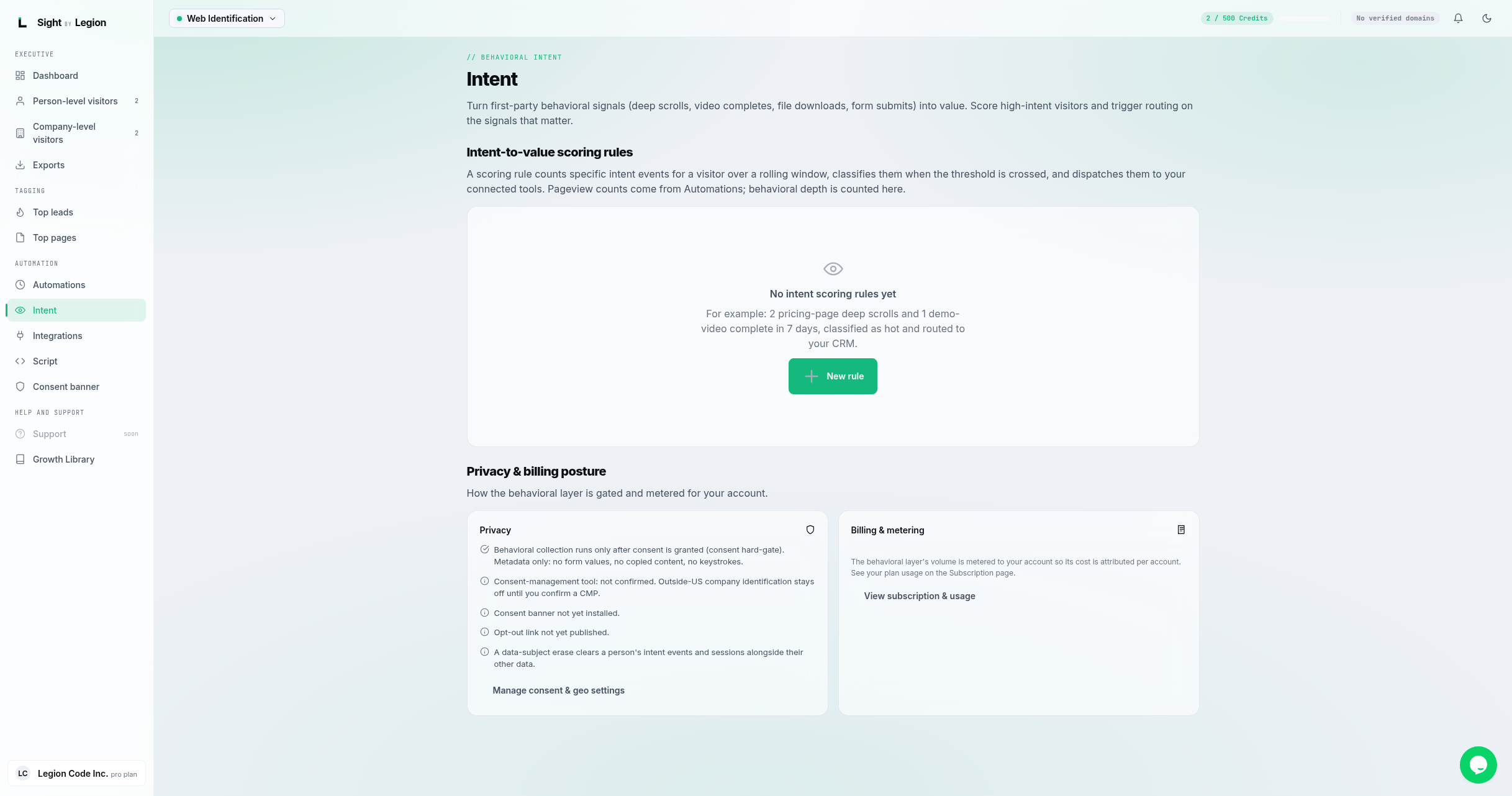
Privacy and billing posture
The Intent page also shows how the behavioral layer is gated and metered for your account:
- Privacy: behavioral collection runs only after consent is granted. It captures metadata only (no form values, no copied content, no keystrokes). It shows whether your consent-management tool is confirmed, whether the consent banner is installed, and whether your opt-out link is published. A data-subject erase clears a person's intent events and sessions along with their other data. A link takes you to Manage consent & geo settings.
- Billing & metering: your intent volume this period and all time, with a link to view your subscription and usage.
Tips & FAQs
- Owners and admins only for editing. Members can view rules and the posture panels.
- Consent first. Behavioral collection is gated on consent. If you identify visitors outside the US, confirm a consent tool first. See Geo restrictions and consent.
- Pageviews vs behavior. Pageview counts come from Automations; behavioral depth (scrolls, video, downloads, form submits) is counted here.
- Bots never count toward a rule's threshold.
- It is metered. Intent volume is metered to your account; see Understanding usage and metering.