
Help
Contacting support
What this does
Points you to the fastest way to get help with OSPRY.
How to get help
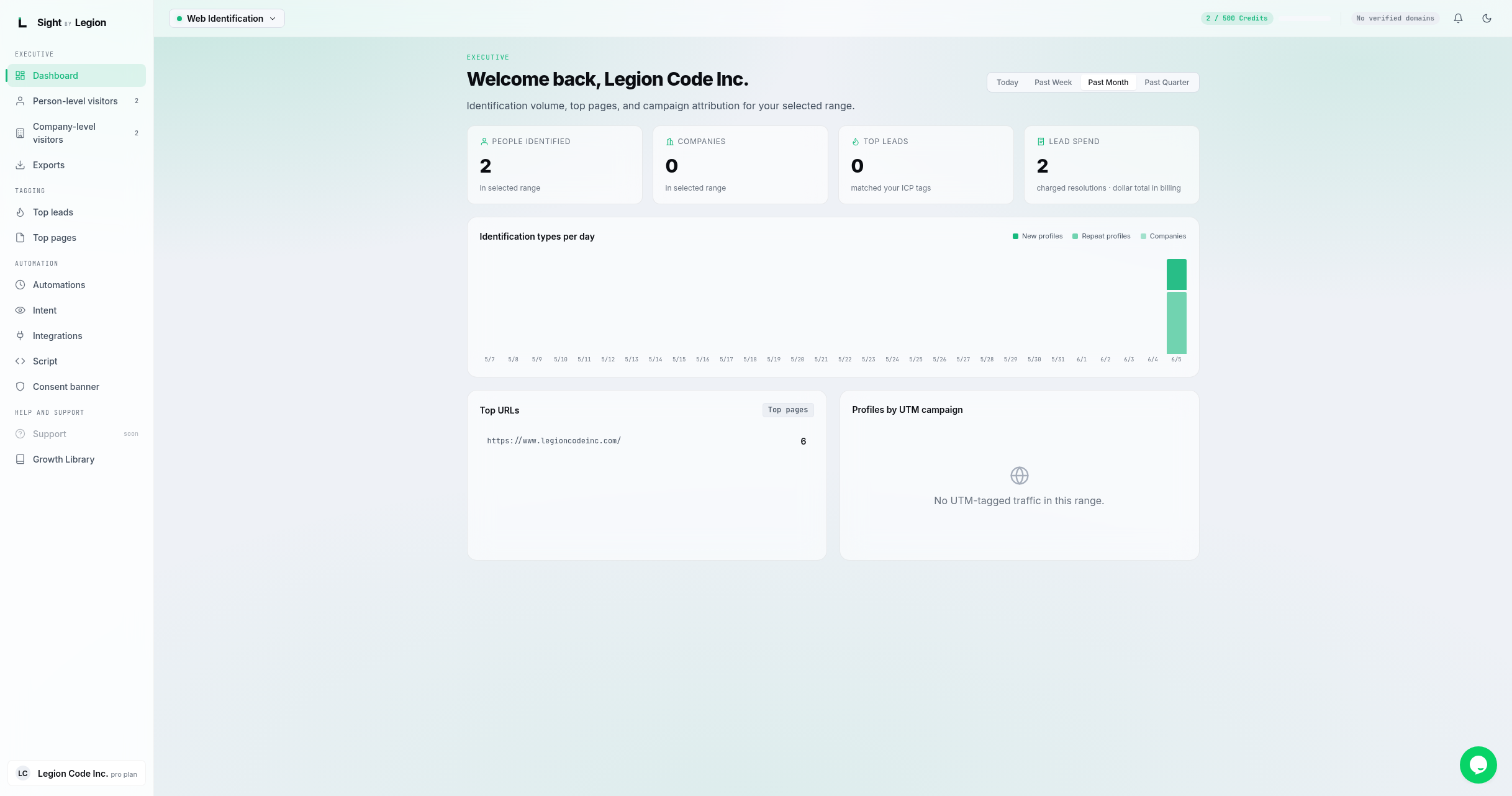
- Live chat. When chat is enabled for your portal, a chat widget (powered by Tawk.to) appears in the corner of the screen. Open it to message the team; your name and account are passed through automatically so we have context. This help center is hosted on the same Tawk.to knowledge base.
- Self-serve. Browse this help center for step-by-step answers.
- A dedicated in-app Support page is on the way; until it ships, use the chat widget or the self-serve guides.
Tips & FAQs
- Before you reach out, it helps to note: your company name, the page or feature involved, what you expected, and what happened. Screenshots speed things up.
- Script not identifying anyone? First confirm the snippet is installed and verified on the right domain. See Verify the script is working.
- Billing question? Owners and admins can review the plan, usage, and invoices on the Billing page. See Subscription and billing.
- Account access issue? If you cannot claim or sign in, see Claiming your account and Signing in.
Operator note: the live channel is the Tawk.to chat widget, which an operator injects into the portal through the script-injection settings; it only appears for viewers whose role and plan match the script's audience. The in-app Support sidebar entry is marked "coming soon" and is not yet a live route, and there is no dedicated support email in the product. Confirm the widget is configured (and add a support email here if one is later published).